
Email profile picture hack
5-minutes tactic to get more eyeballs in email inboxes

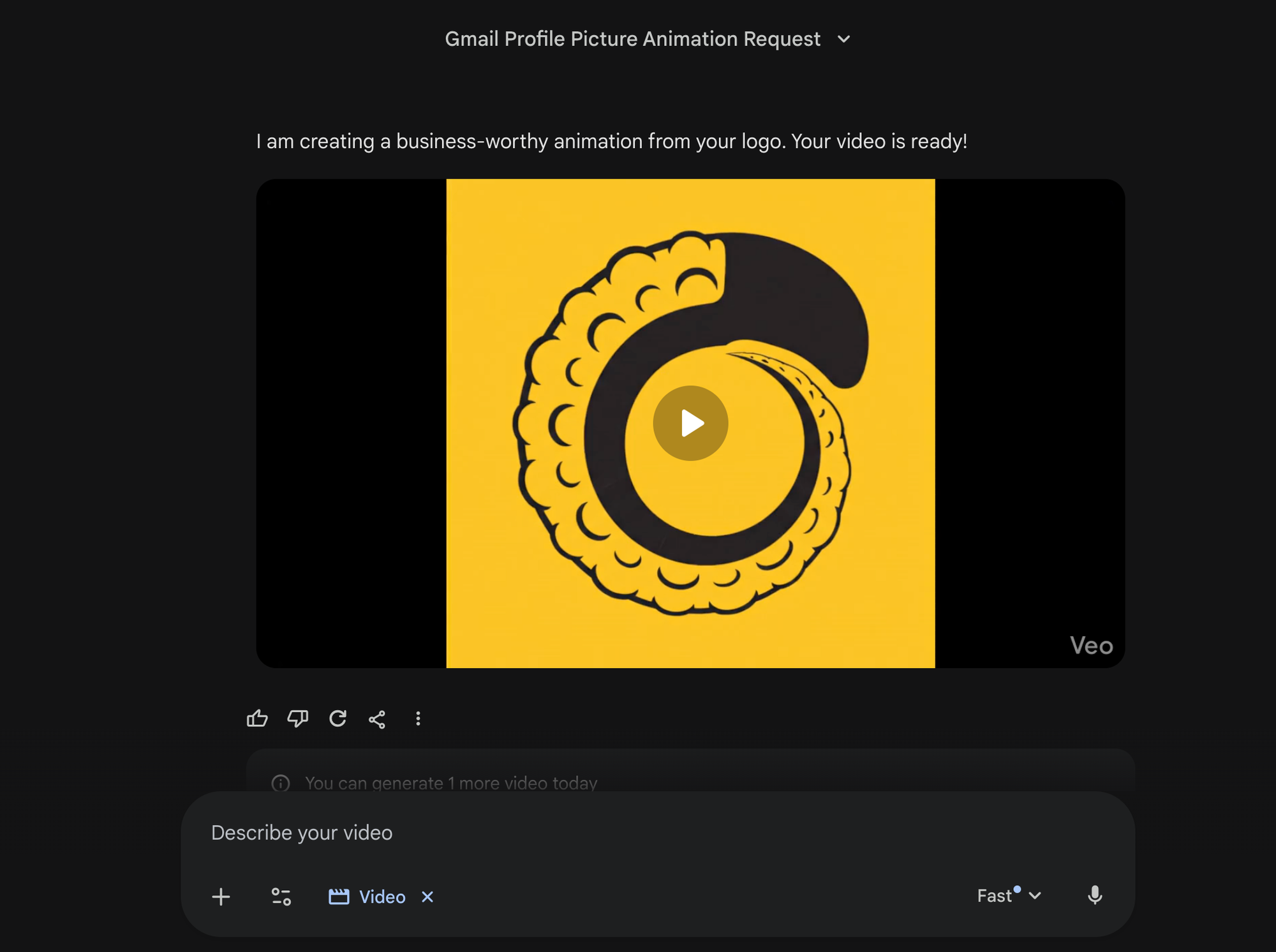
Came across a nice 5-minute marketing hack on Instagram. Watch it here.
It's a neat email profile picture hack you can use to gain some attention in busy inboxes.
1 - Go to Gemini and choose Veo 3.1
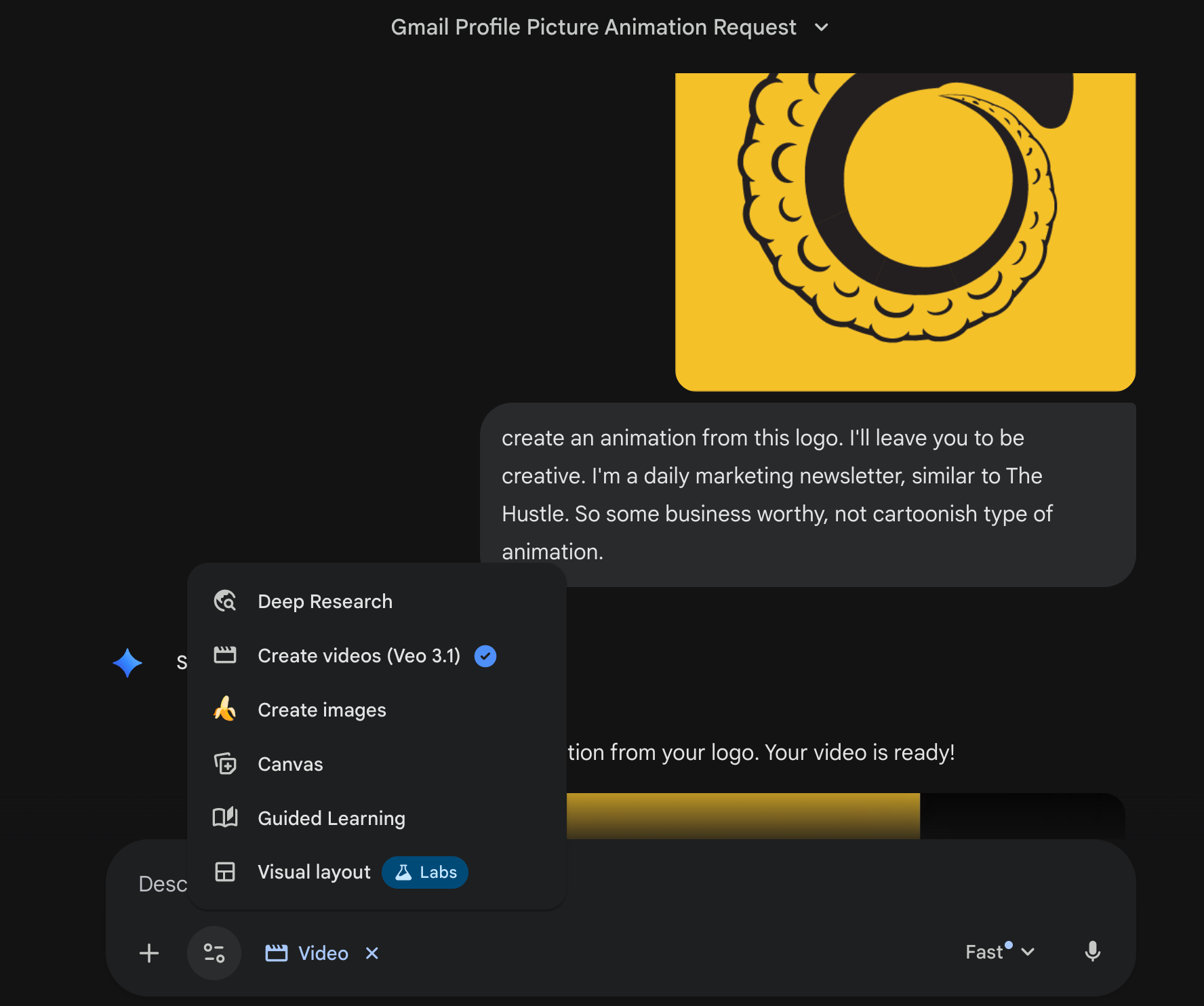
Upload your company logo and write a prompt to turn it into an animation. Don't get too caught up of the "correct" prompt to use. Nobody knows. Go experiment.
2 - Download the video & turn it into a GIF
Google for a free online video-to-GIF converter, and turn it into a GIF. Or use a video editor like Capcut (what I use) and export the video as a GIF file.
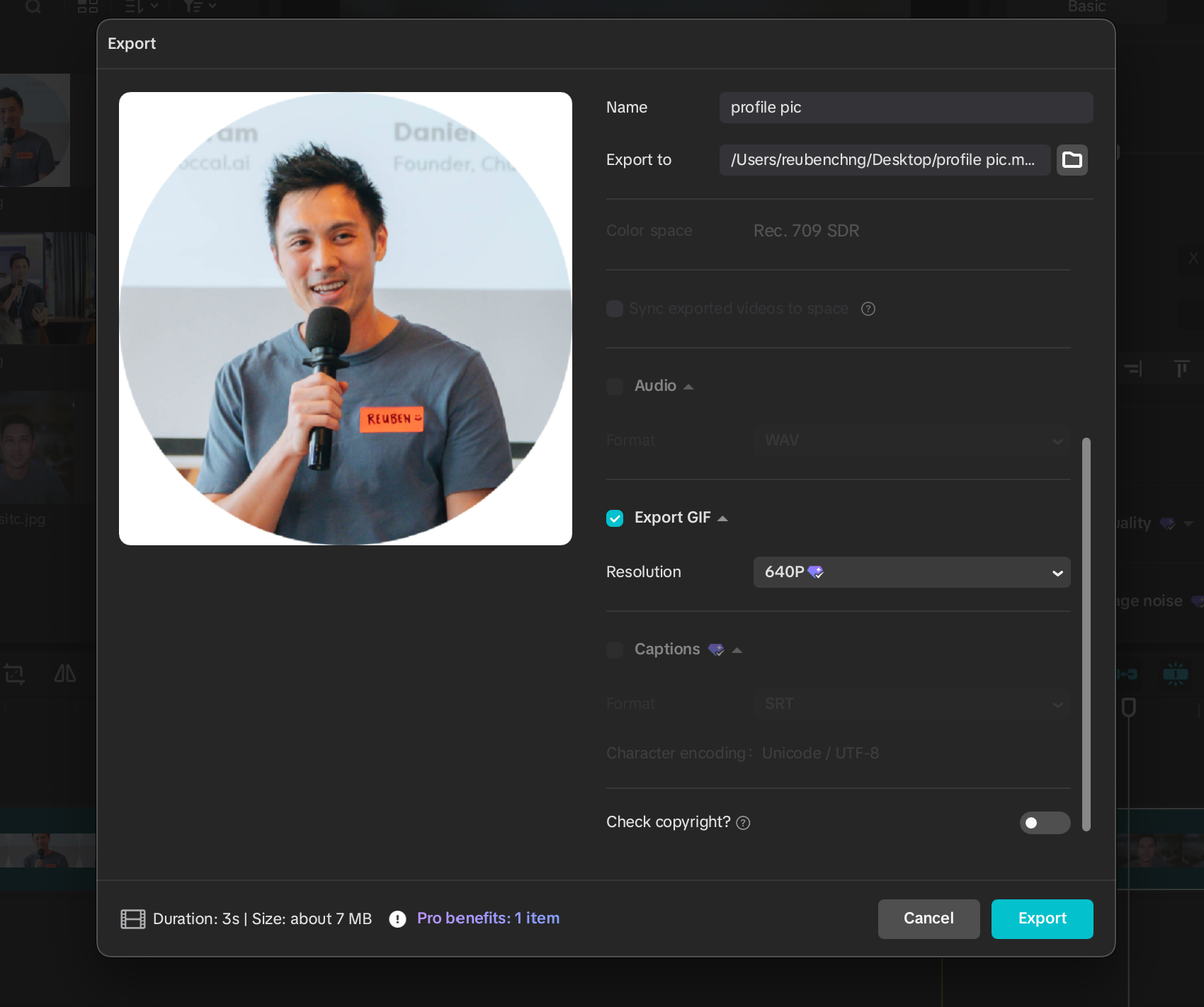
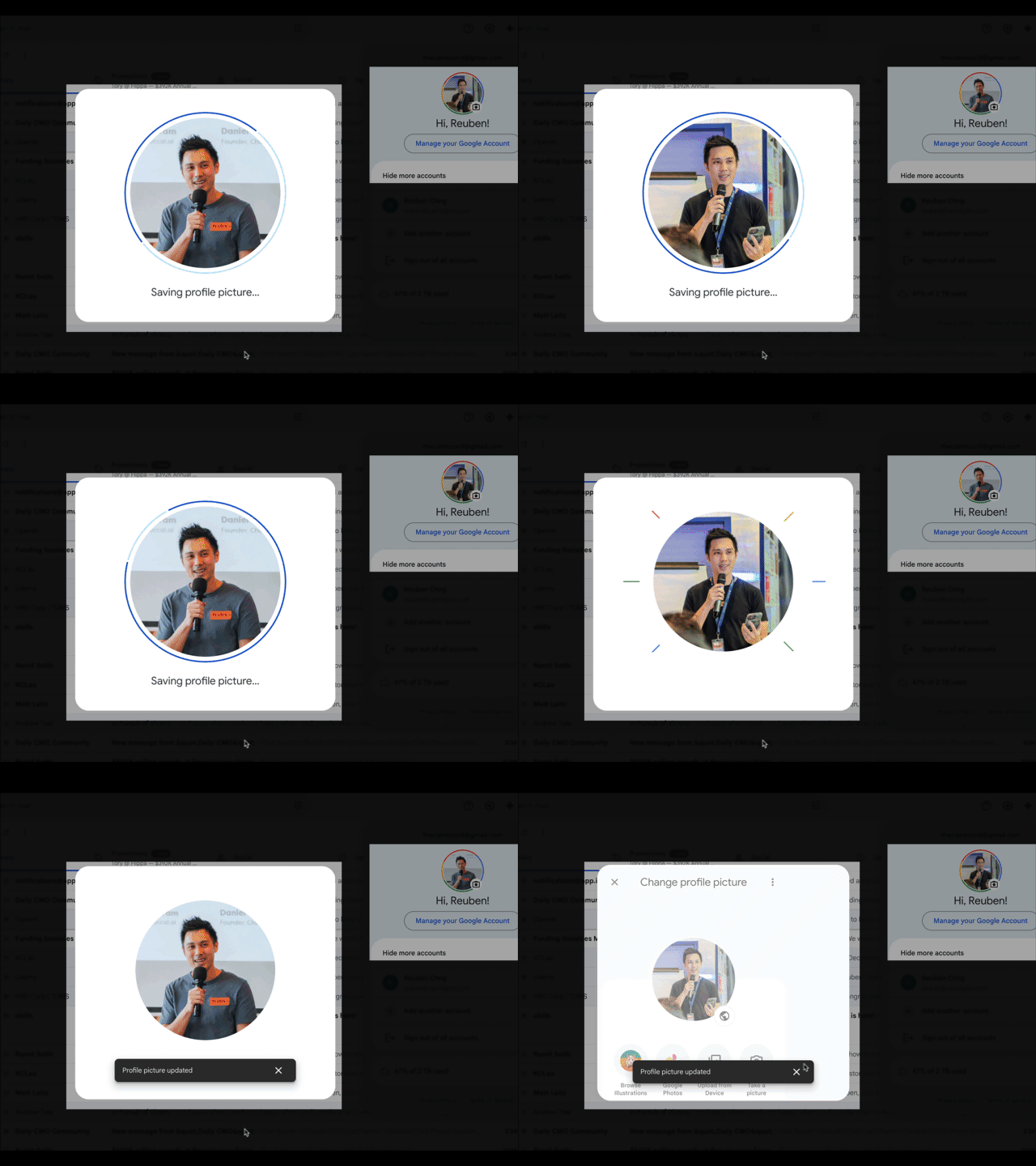
3 - Upload as email profile photo
Go to your Google Workspace/Gmail account, and upload the GIF image as your profile picture.
Note: Your email must be linked to Google for this to work.
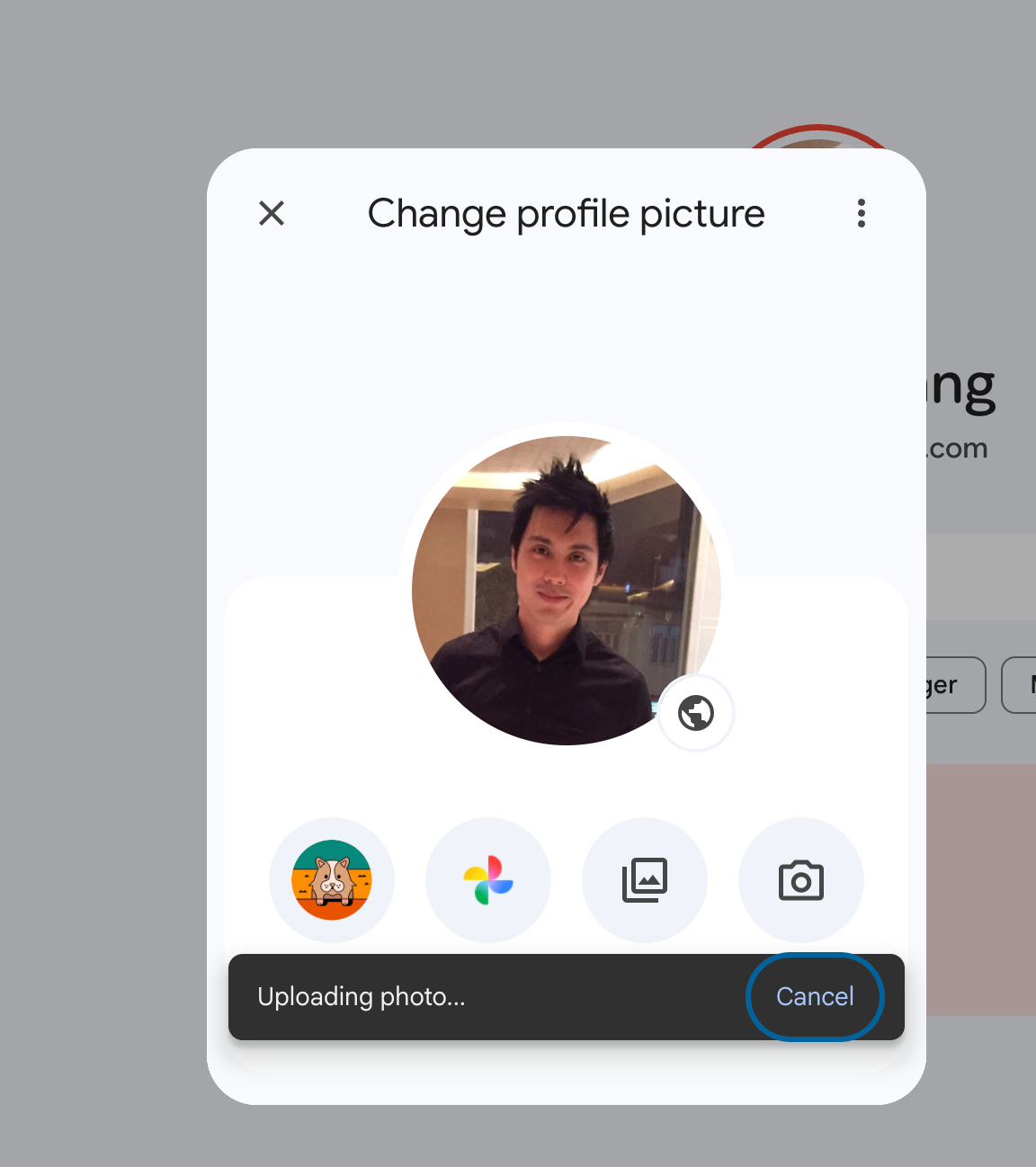
That's it.
Now, people will notice your emails more often, thanks to your new eye-catching email profile picture.
Tomorrow, I'm relaunching the Daily CMO community with some useful perks and programs.
Tell you more in the email tomorrow.